
Stockroom /
Every movement has a reason.
A practical inventory table, searchable SKUs, stock filters and an item inspector keep the day-to-day workflow in view. Example adjustments update quantities and preserve their reasons within the interface.
- Practice
- Digital products
- Built by
- Lumia Digital
- Application
- Independent source & workspace
- Current release
- Local / September 2026
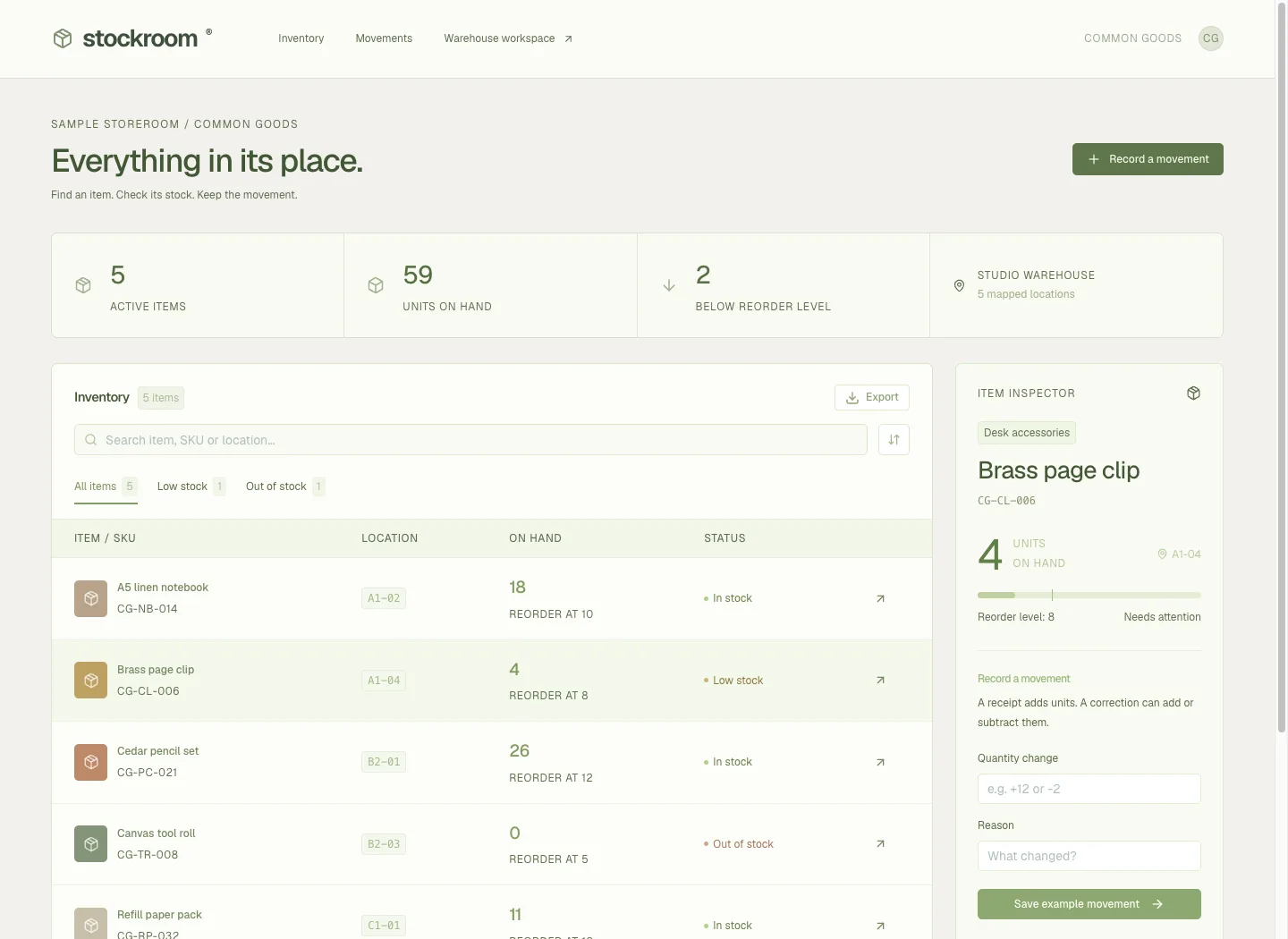
An inventory app that keeps the movement visible.
A practical inventory table, searchable SKUs, stock filters and an item inspector keep the day-to-day workflow in view. Example adjustments update quantities and preserve their reasons within the interface.
ZXing barcode captureThe problem worth solving.
Small warehouses need to distinguish stock physically in a bin from units already promised to a pick. A single editable quantity hides the reason for changes and can turn a delayed scan or repeated dispatch into an incorrect balance.
Stockroom gives receiving, picking, dispatch and counting separate actions backed by a movement ledger. Operators can see on-hand, reserved and available quantities together. Offline work remains visibly pending until the local service acknowledges it, and a physical count is checked against the movement state the operator observed.
Designed for: Small warehouse teams and stock operators managing whole-unit items in named bins, especially where a compact mobile receiving and picking flow matters.
From input to a useful result.
Identify the item and destination
Create the item with its SKU and optional scanner code, then create a named storage bin. Select or look up the item before entering a receipt. Record whole units and a delivery reference so the added stock can be traced back to the event that brought it into the bin.
Reserve before dispatching
Create a pick with an order reference and quantity. Reserved units remain on hand but leave the available balance. Confirm dispatch only when the units leave the bin; this consumes the allocation and reduces on-hand stock. Release unused picks when the movement is abandoned so the units become available again.
Count against a known balance
Open the item and bin, record the actual physical quantity and explain the count with a reason and reference. A count creates a correcting ledger movement. If another movement has happened since the observed balance, refresh the stock context and recount instead of overwriting a newer receipt or dispatch.
Finish the handover from pending to recorded
If connectivity drops while receiving, inspect the pending-operation list. The queue identifies the quantity and reference awaiting acknowledgement. Restore the connection and use Sync now, then check the movement ledger. Export the CSV when an operator needs the recorded history outside Stockroom, and verify the balance after reopening the item and bin.
What the software actually did.
These results come from internal workflow testing of the local product. The records are controlled test inputs; customer deployments and commercial impact have not been measured.
The stock equation held through the UI
A synthetic workspace created one SKU and one bin through the forms. Receiving ten units produced ten available. Reserving three kept ten on hand, with three reserved and seven available. Confirming dispatch left seven on hand and no reservation. A physical count of six created a minus-one correction with a reason.
An offline receipt was recorded once
Playwright disabled the browser network before a two-unit receipt. The application exposed one pending operation with the synthetic reference. After network restoration and Sync now, the ledger contained one corresponding plus-two movement. Reloading and selecting the saved item and bin showed eight on hand, zero reserved and eight available.
The export matched the movement history
The downloaded CSV contained four movements: plus ten received, minus three dispatched, minus one counted and plus two received after reconnection. The UI retained those records after reload. Mobile screenshots showed no page-level overflow; the wider movement table used its own horizontal scroll container. The fresh online page had no runtime console errors.
Make the boundary clear.
- This release focuses on whole-unit items and bin balances. Lot valuation, accounting, shipping-carrier execution and ERP synchronisation are not established by the tested workflow.
- The offline test covered an already open page, one pending receipt and online resynchronisation. Cold offline startup and device loss were not tested.
- Camera hardware and keyboard-emulating barcode scanners still require physical-device verification.
- The CSV currently identifies item and bin by internal IDs; the interactive ledger displays their readable labels.
- The synthetic stock movements are software evidence, not real warehouse transactions.
Questions before you start.
Why are on-hand and available different?
On-hand includes stock already reserved for picks. Available subtracts those reservations so another pick cannot use the same units.
Can a physical count overwrite a newer receipt?
A count is checked against the movement version the operator observed. A stale count is rejected and requires a refreshed review and recount.
Does an offline click immediately update the ledger?
The operation remains pending until the service acknowledges it. Check the queue and ledger after reconnection.
Does releasing a pick put stock back into the bin?
Release removes a reservation. It does not increase physical on-hand stock because an unshipped reservation never left the bin.
More from this practice.
All fifteen products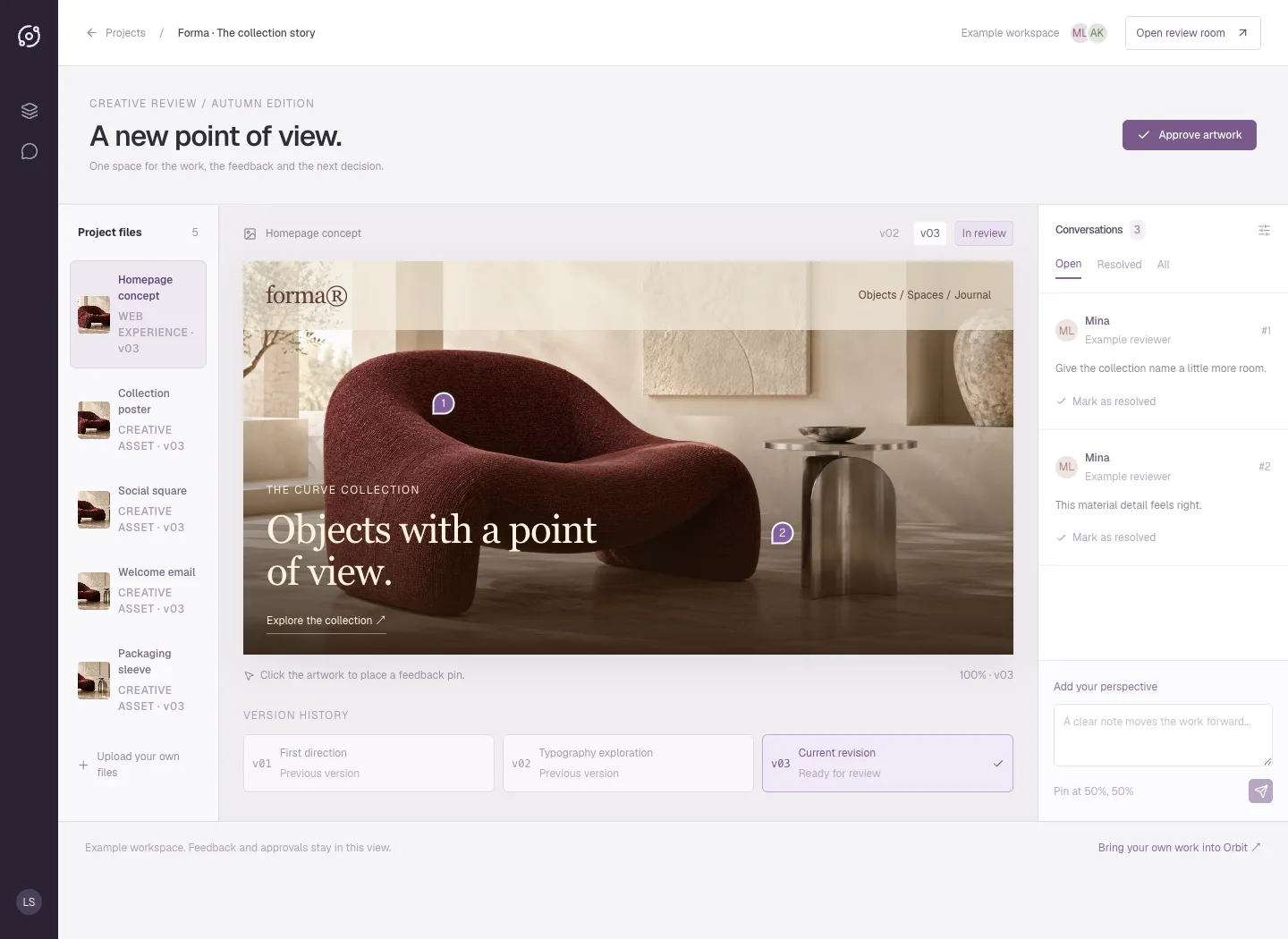
Orbit
A plum review room puts the artwork at the centre, with a project-file rail, version history, numbered pins and threaded feedback. The public interface is an interactive example of a full-stack creative-review app.
Explore the case study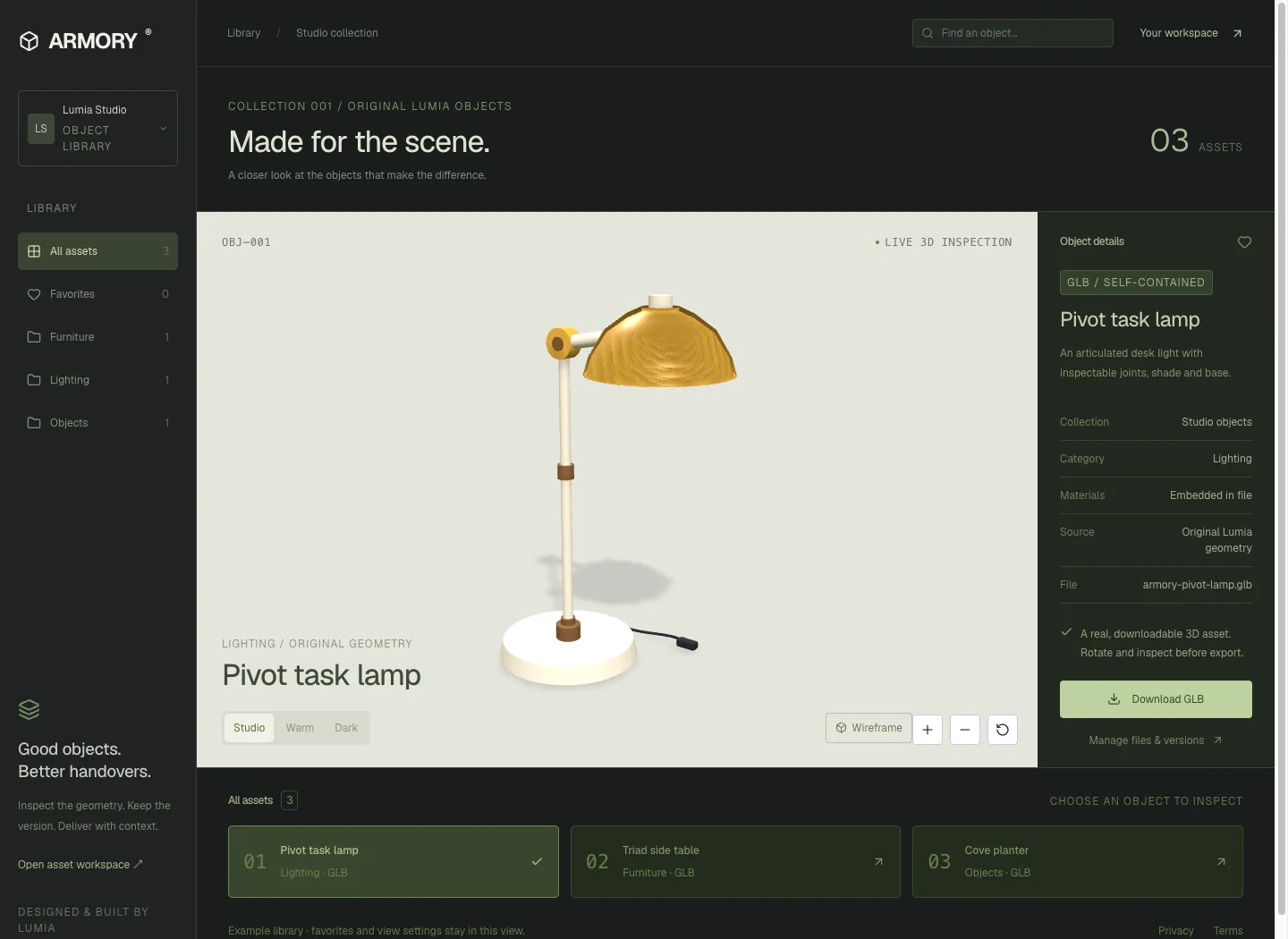
ARMORY
A mineral-green asset workbench pairs a large interactive 3D stage with an object inspector and collection shelf. Three original GLBs can be inspected and downloaded from the public interface.
Explore the case study