
Orbit /
Good work deserves a clear decision.
A plum review room puts the artwork at the centre, with a project-file rail, version history, numbered pins and threaded feedback. The public interface is an interactive example of a full-stack creative-review app.
- Practice
- Digital products
- Built by
- Lumia Digital
- Application
- Independent source & workspace
- Current release
- Local / September 2026
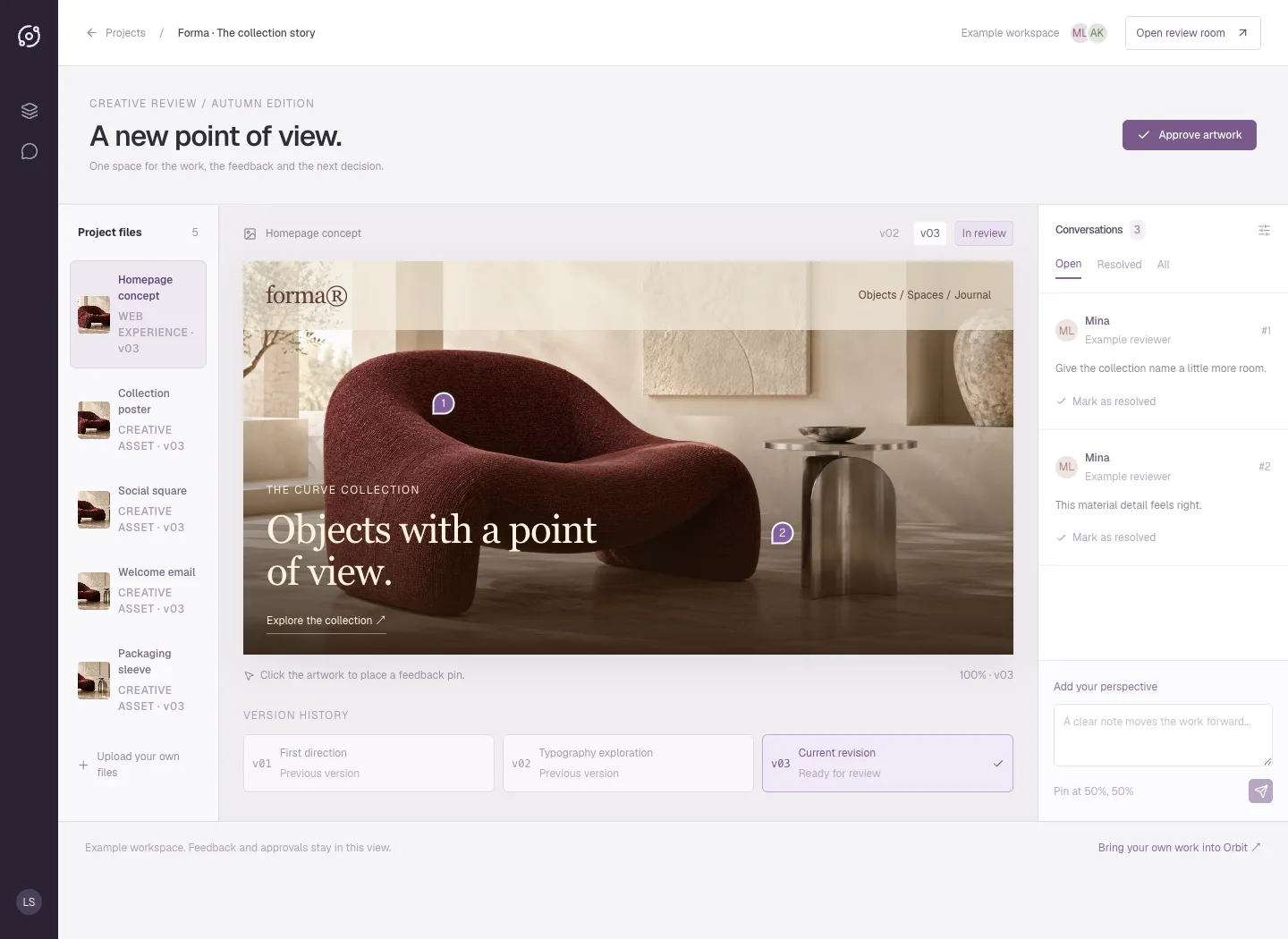
A creative canvas with the conversation attached.
A plum review room puts the artwork at the centre, with a project-file rail, version history, numbered pins and threaded feedback. The public interface is an interactive example of a full-stack creative-review app.
WaveSurfer media reviewThe problem worth solving.
A review conversation becomes unreliable when comments refer to yesterday’s image while an approval appears beside today’s upload. Producers need to know which file received feedback, which questions remain open, and exactly what someone signed off.
Orbit puts the media at the centre of the review. A room contains its versions, anchored notes and recorded decisions. The interface keeps the current file visible while the underlying record preserves earlier feedback. Replacing a file starts another review; it cannot quietly inherit the previous approval.
Designed for: Small creative teams, independent producers and internal reviewers who need a clear decision record for visual work without managing feedback across several conversations.
From input to a useful result.
Create a room around one decision
Give the room a title that explains what needs review, then upload the media you own or are authorised to share. The uploaded file becomes the first version. Check that the actual image renders before adding feedback. Keep distinct deliverables in separate rooms so a decision has an understandable scope.
Put feedback where it belongs
Select a point on the image and write a specific note about that location. The pin provides spatial context; the note explains the change or question. Resolve notes as the work is reviewed. Earlier notes remain associated with their original version, helping a reviewer distinguish completed work from a current concern.
Approve the current revision
Review all open notes for the current file before recording approval. Orbit blocks sign-off while those notes remain unresolved. Uploading another version clears the previous approval and returns the room to review. Download the decision log when the team needs a portable record of versions, feedback and the recorded decision.
Share a bounded view
An owner can create an expiring review link for a limited view of the room. That link provides reading access to the room’s media and review record. It does not give the recipient ownership of the workspace or permission to approve work. Use a signed-in authorised workflow when a decision must be recorded.
What the software actually did.
These results come from internal workflow testing of the local product. The records are controlled test inputs; customer deployments and commercial impact have not been measured.
A complete image review
Browser QA created an independent synthetic workspace and review room, uploaded an original Lumia image and confirmed that the image rendered. A pin was placed on the image, a note was posted, the note was resolved and the current version was approved. Reloading retained the approval and zero open notes.
Revision replacement changed the decision
A second original PNG of 2,788,838 bytes was uploaded after the first version had been signed off. The new image rendered as version two and the room returned to review. This directly checked that approval belonged to the earlier file. The tested upload also verified the corrected multipart limit after a server restart.
The record left the browser
The actual decision-log PDF was downloaded, its text extracted and its page visually inspected. It contained the resolved note and approval with the file digest. Desktop and 390-pixel mobile screenshots were captured. The mobile document had no page-level horizontal overflow during the tested review flow.
Make the boundary clear.
- This is an original Lumia product demonstration using owned media and synthetic review records, with no claim of external client work.
- The browser acceptance flow covered still images. PDF pages and MP4 timestamps have server fields, but their full browser review journeys were not verified in this pass.
- Expiring share timestamps and access scope were checked; passage of the full expiry period was not simulated.
- No external notification or inbox delivery is claimed. A stored review decision is not proof that a recipient read it.
Questions before you start.
Does a new upload keep the old approval?
No. A new media version clears approval and starts a review of that version. Earlier notes remain associated with the file they describe.
Can I approve a file while notes remain open?
Current-version notes must be resolved before approval. The server checks this condition when the approval is recorded.
Can someone approve through a review link?
The tested public review link is read-only. It exposes the scoped room record and media without granting owner permissions.
What can I take away from the room?
The PDF decision log records versions, note status and approval information. It provides a review trail rather than replacing the original media files.
More from this practice.
All fifteen products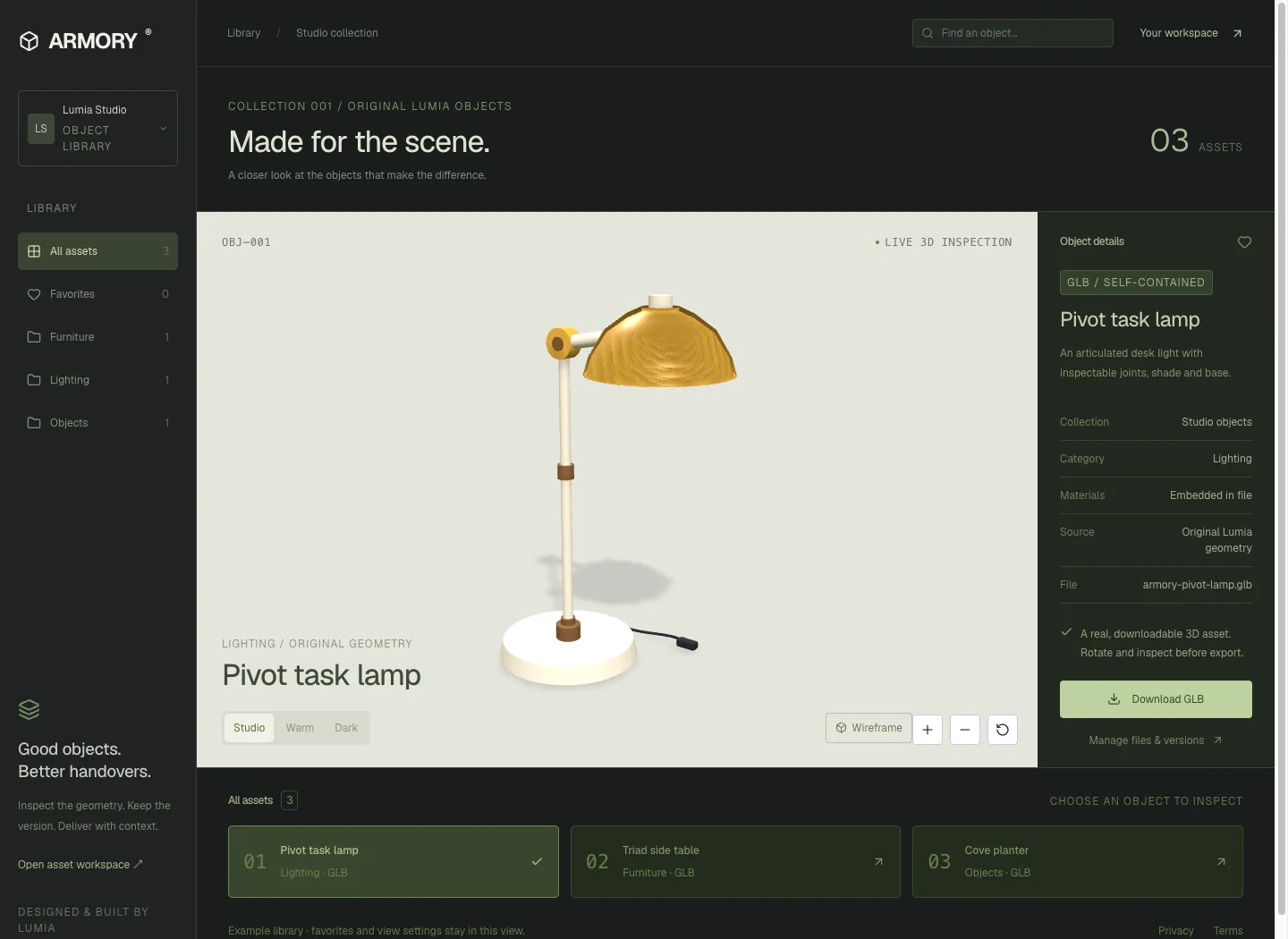
ARMORY
A mineral-green asset workbench pairs a large interactive 3D stage with an object inspector and collection shelf. Three original GLBs can be inspected and downloaded from the public interface.
Explore the case study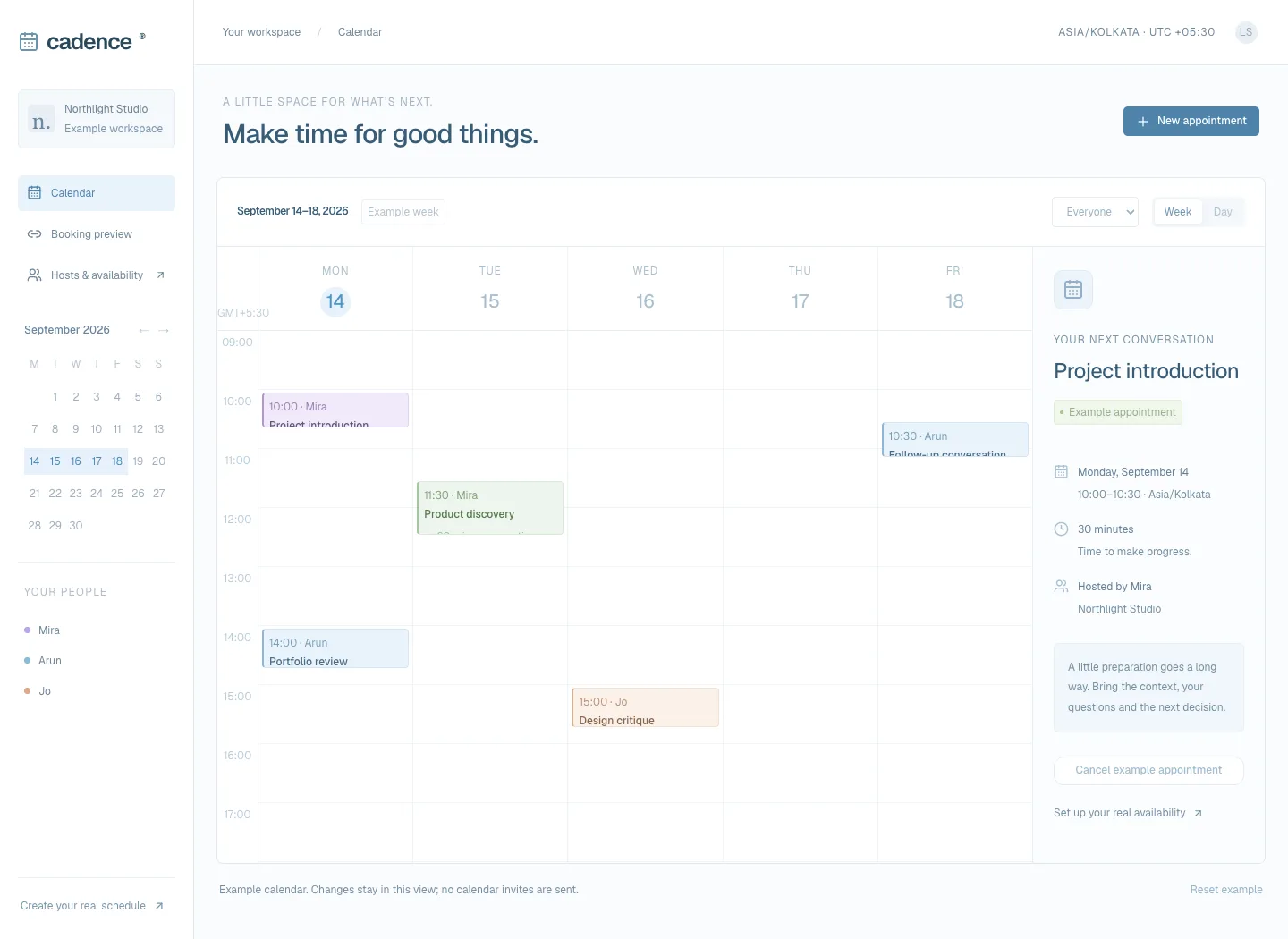
Cadence
A light blue calendar workspace brings the week, host filters and appointment details together. The interface preview supports local appointment creation and conflict checks, with a day view on small screens.
Explore the case study