
Nexus /
A cinematic audio world with an engineering interior.
Terracotta product photography, expansive typography and a warm editorial rhythm introduce Nexus. A separate interactive studio collection lets visitors inspect the original interface geometry.
- Practice
- Immersive websites
- Built by
- Lumia Digital
- Application
- Independent source & workspace
- Current release
- Local / September 2026
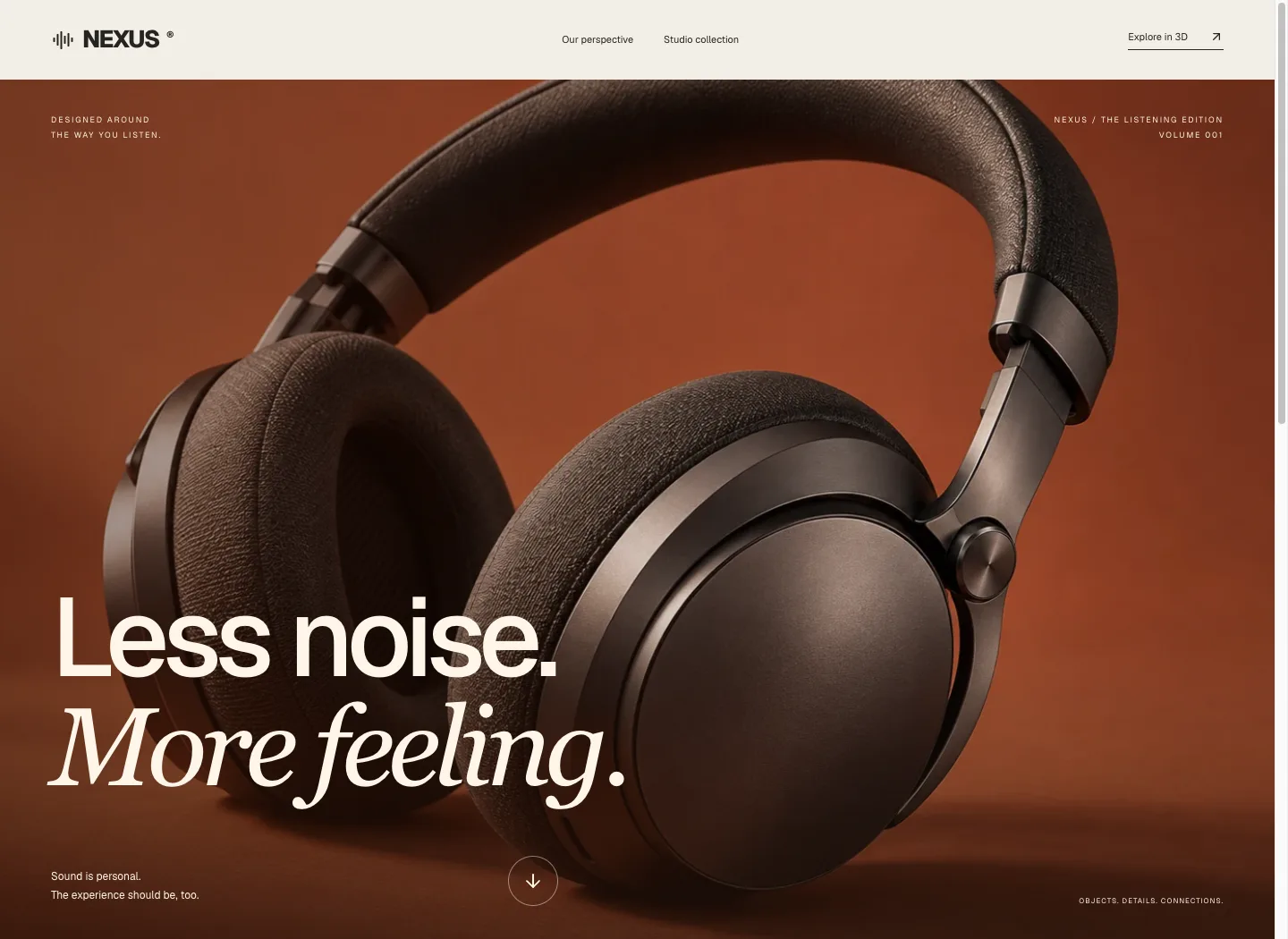
A cinematic audio world with an engineering interior.
Terracotta product photography, expansive typography and a warm editorial rhythm introduce Nexus. A separate interactive studio collection lets visitors inspect the original interface geometry.
GSAP product storytellingThe problem worth solving.
A buyer can admire a device photograph without learning whether its size, connections or accessory choices fit their use. If a demonstration request drops the selected configuration, the next conversation starts with the same unanswered questions.
Nexus connects a coherent original device family to inspection, readable specifications and saved comparisons. The visitor can examine real model geometry, compare the One and Pro concepts, choose compatible accessories and preserve those choices in a request. The spatial interaction has a practical job: helping someone ask for the right demonstration.
Designed for: Product teams presenting a technical device family and prospective buyers who need to understand configurations before requesting a walkthrough.
From input to a useful result.
Inspect the device as an object
Open a product and rotate its actual model to understand the enclosure and connections. Use wireframe or exploded inspection when the parts matter to the discussion. Read the specifications alongside the model. The original One and Pro collection gives the demonstration a coherent family instead of unrelated decorative objects.
Choose a compatible setup
Select accessories for the intended setup. An incompatible accessory choice replaces the conflicting option in the tested interface, while the server validates the submitted selection. Check the resulting labels before proceeding. A rack installation and an angled desktop arrangement should remain distinct configurations rather than an impossible combined list.
Save the comparison you actually reviewed
Choose up to three distinct products and save the comparison after making the accessory choices. Reopen it to recover those selections alongside the saved specifications. If you change an accessory, save again before using the updated comparison. Download its PDF when you need a readable selection summary for another conversation.
Carry the configuration into a request
Use the saved comparison to request a walkthrough and supply the required contact details. The stored request retains the chosen products, accessories and specification context. It gives an operator something concrete to review. It records a request; an appointment, sales commitment or external email delivery requires a separately confirmed action.
What the software actually did.
These results come from internal workflow testing of the local product. The records are controlled test inputs; customer deployments and commercial impact have not been measured.
Inspection used real models
Browser QA loaded the original One and Pro collection, checked reported dimensions and counts, and visually verified wireframe and exploded inspection. A separate original One GLB was also uploaded through the Add product form with five supported specifications. This exercised the model-input journey rather than treating a prebuilt preview as the only supported state.
Accessory choice survived reopening
The test selected Rack mounting ears and checked that choosing the incompatible Angled desk stand replaced that choice. After correction of an early persistence defect, a fresh comparison was saved and reopened after reload. Rack mounting ears was restored, and the selection remained distinct from the accessory catalogue available for purchase discussion.
The exported comparison matched
The actual comparison PDF was downloaded, parsed and visually inspected. The final file included the selected Rack mounting ears for Pro and None for One. A stored walkthrough request retained the matching products, accessory choices and specification snapshots. Saved products, comparisons and requests remained available after an ordinary reload.
Make the boundary clear.
- Nexus One and Nexus Pro are original concept devices. The models do not claim to be manufactured, certified or commercially available audio hardware.
- Specifications in the demonstration describe its supported concept catalogue and require product-owner validation for a real commercial deployment.
- A walkthrough request is stored locally. External scheduling, contact delivery and an operator’s acceptance are separate milestones.
- The tested browser supported WebGL. A disabled-WebGL environment and a full assistive-technology audit were not part of this pass.
- Model structure and geometry counts do not prove thermal, electrical or acoustic performance.
Questions before you start.
Are One and Pro real products for sale?
They are original concept devices used to demonstrate the website and selection workflow. No manufacturing or sales claim is made.
Does a comparison save my accessory choices?
Yes. The saved comparison retains selected accessory IDs, restores their choices after reload and includes their names in the PDF.
Can I select incompatible accessories?
The tested interface replaces a conflicting choice, and the server independently rejects declared-incompatible selections.
What does requesting a walkthrough confirm?
It confirms that a local request record was created with your selection. It does not by itself confirm an appointment or external message delivery.
More from this practice.
All fifteen products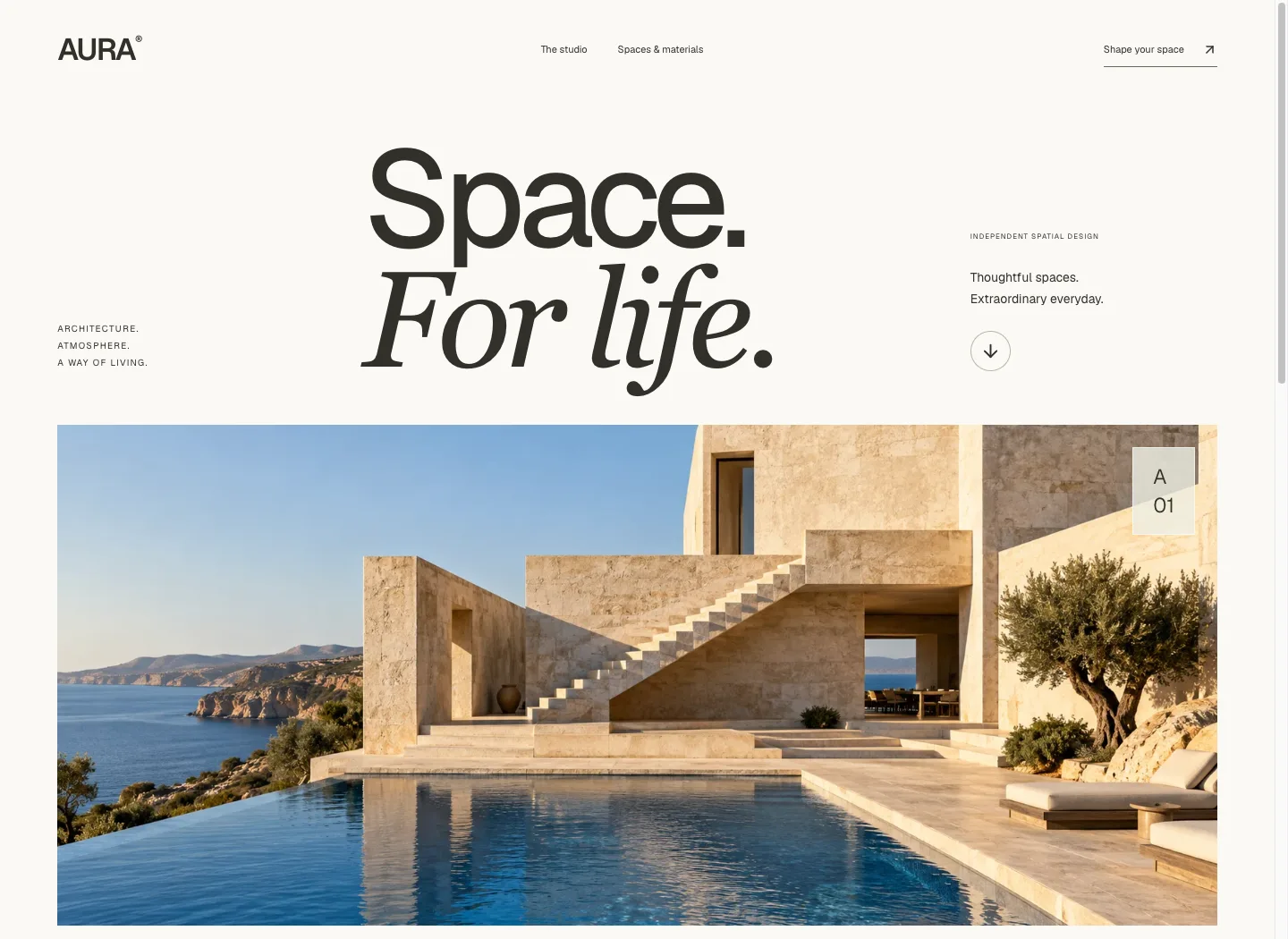
Aura
An oversized editorial masthead and cinematic coastal architecture lead into spatial thinking, interiors and material studies. The journey moves from atmosphere to a concrete room brief.
Explore the case study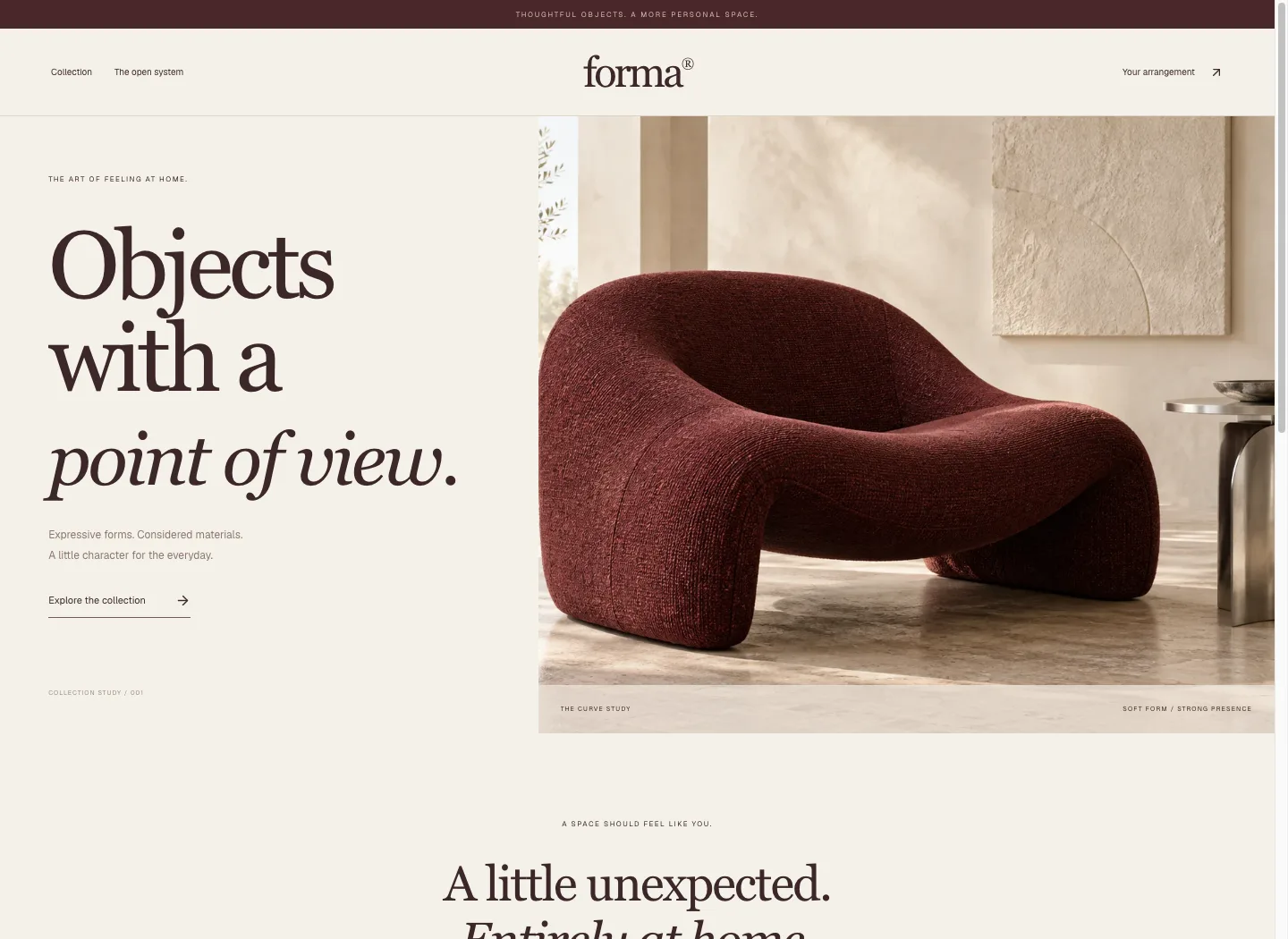
Forma
A boutique furniture collection pairs burgundy upholstery imagery with warm paper, serif typography and a quiet commerce rhythm. The open shelving system adds a real interactive finish and arrangement journey.
Explore the case study