
Forma /
Expressive furniture. A personal arrangement.
A boutique furniture collection pairs burgundy upholstery imagery with warm paper, serif typography and a quiet commerce rhythm. The open shelving system adds a real interactive finish and arrangement journey.
- Practice
- Immersive websites
- Built by
- Lumia Digital
- Application
- Independent source & workspace
- Current release
- Local / September 2026
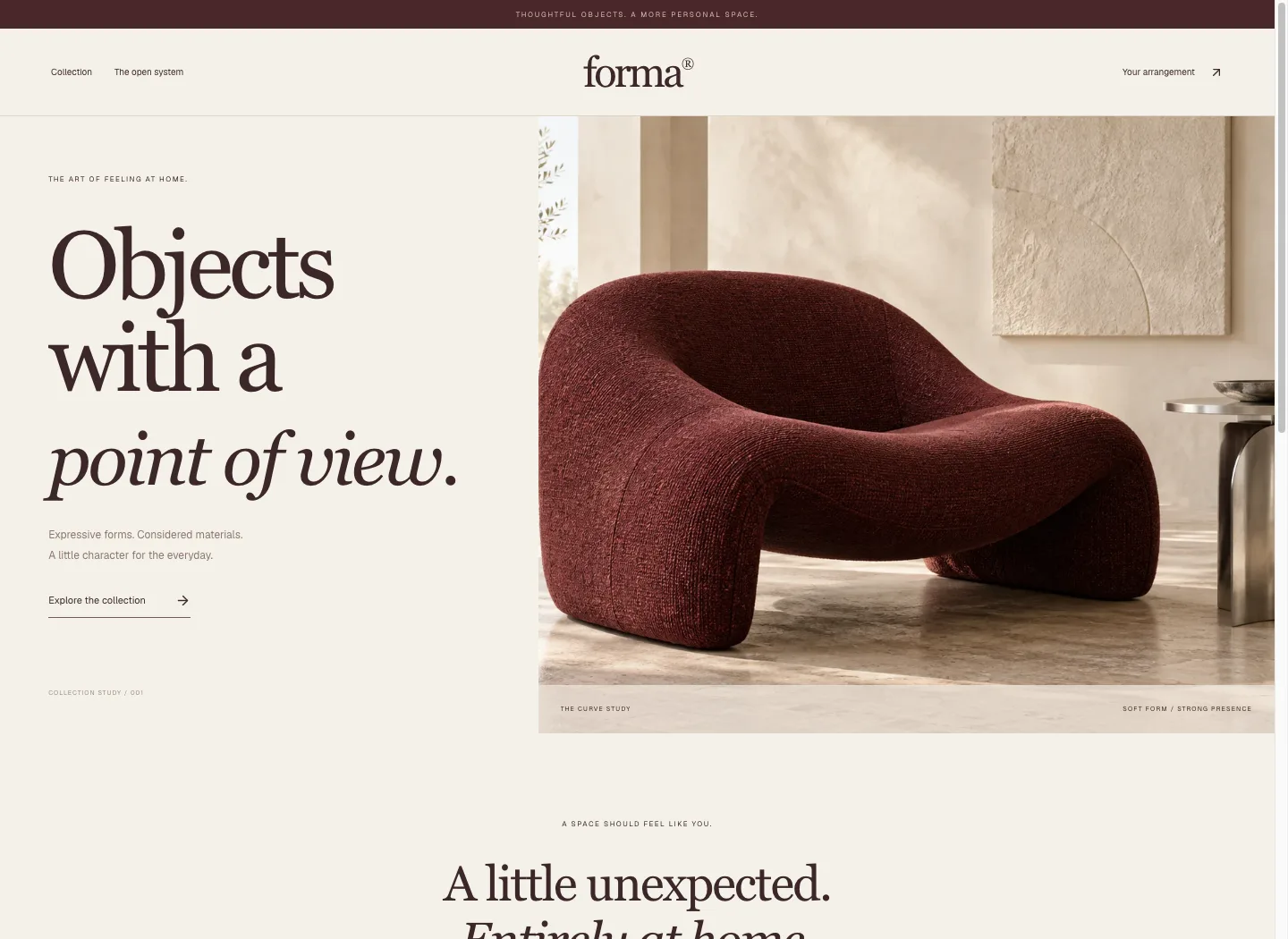
Expressive furniture. A personal arrangement.
A boutique furniture collection pairs burgundy upholstery imagery with warm paper, serif typography and a quiet commerce rhythm. The open shelving system adds a real interactive finish and arrangement journey.
Solid dimensional planningThe problem worth solving.
A modular furniture image can look convincing while hiding whether the assembly fits the room, supports its stacked pieces or includes the right parts. A quotation becomes fragile when the model, dimensions and component list describe different arrangements.
Forma makes the arrangement itself the specification. Visitors set the available space, assemble a bounded shelving collection and choose a supported finish. The same resolved configuration drives the 3D view, dimensions, bill of materials, saved design and quotation request. The useful result is an exact reviewed design that another person can discuss.
Designed for: People specifying modular shelving and product teams who need a visual configurator to produce a consistent component list and quotation brief.
From input to a useful result.
Start with the space
Enter the available width and height before assembling the shelving. These dimensions are constraints for the design. Add floor bays and supported stacked bays while watching the resolved assembly. The interface disables additions that exceed the room limits, helping the visitor see why another bay will not fit before saving.
Choose the arrangement and finish
Build the layout from the collection’s modules, inspect the model and choose a supported finish. Keep stacked pieces fully supported by the module below. Use the dimensions and component list to understand the arrangement as well as its appearance. Decorative objects in the scene are not included in the shelving bill of materials.
Save a design with a complete specification
Give the design a useful name and save it. Reopen it from My designs to recover the layout and finish with its generated bill of materials. Download the PDF for readable dimensions, quantities and estimate, or the CSV for part data. Check the saved specification before handing it to someone else.
Request a quotation for that design
Submit the quotation request after reviewing the saved design. The request retains the exact specification that was reviewed, including its dimensions and estimate. A later design change requires a new review. The request begins an operator conversation about manufacture and fulfilment; it does not sell or reserve a physical shelving unit.
What the software actually did.
These results come from internal workflow testing of the local product. The records are controlled test inputs; customer deployments and commercial impact have not been measured.
A three-bay arrangement was built
Browser QA entered a 2,000 by 2,400 mm available space and assembled two floor bays with one stacked bay in Ultramarine. The saved assembly measured 1,600 by 2,400 by 350 mm. Its bill of materials contained six UPRIGHT-1200 components and nine SHELF-800 components. Further invalid floor or stack additions were disabled.
Reload restored the same design
After an ordinary reload, the saved design was reopened from My designs. Layout, finish and component quantities matched the reviewed configuration. A local quotation request was then created through the interface. Its stored specification digest, dimensions and money matched the design that had been reviewed before submission.
The estimate was checked in the export
The actual PDF and CSV were downloaded. The final PDF was parsed and visually inspected, showing Ultramarine, full assembly dimensions and an INR 1,239.00 estimate: INR 1,050.00 subtotal and INR 189.00 tax. The CSV retained component data. This verified a usable handover document after correcting internal finish and minor-unit formatting.
Make the boundary clear.
- The collection is an original software demonstration. Physical manufacture, stability, load ratings and fixing requirements require appropriate product engineering.
- The configured estimate covers the defined shelving components. Decorative objects, shipping, installation and fulfilment are outside the shown bill of materials.
- A saved quotation request is not a purchase, payment or confirmed delivery.
- The current catalogue accepts INR, USD, EUR and GBP using a two-decimal currency contract; conversion between currencies is not part of the configuration.
- The browser test used WebGL-capable desktop and mobile viewports. Physical-device performance and assistive-technology coverage remain separate checks.
Questions before you start.
Does the model generate the bill of materials?
The resolved configuration uses catalogue module definitions to aggregate component quantities. The saved design and exports use that same calculated result.
Why can’t I add another bay?
An additional bay may exceed available width or height, overlap another placement, or lack full-width support. The design must satisfy those rules before it can be saved.
Are the decorative objects included?
No. The specification covers the shelving components listed in its bill of materials.
Does the quotation request place an order?
No. It stores the reviewed specification for operator follow-up. Manufacturing, current pricing, payment and delivery must be confirmed separately.
More from this practice.
All fifteen products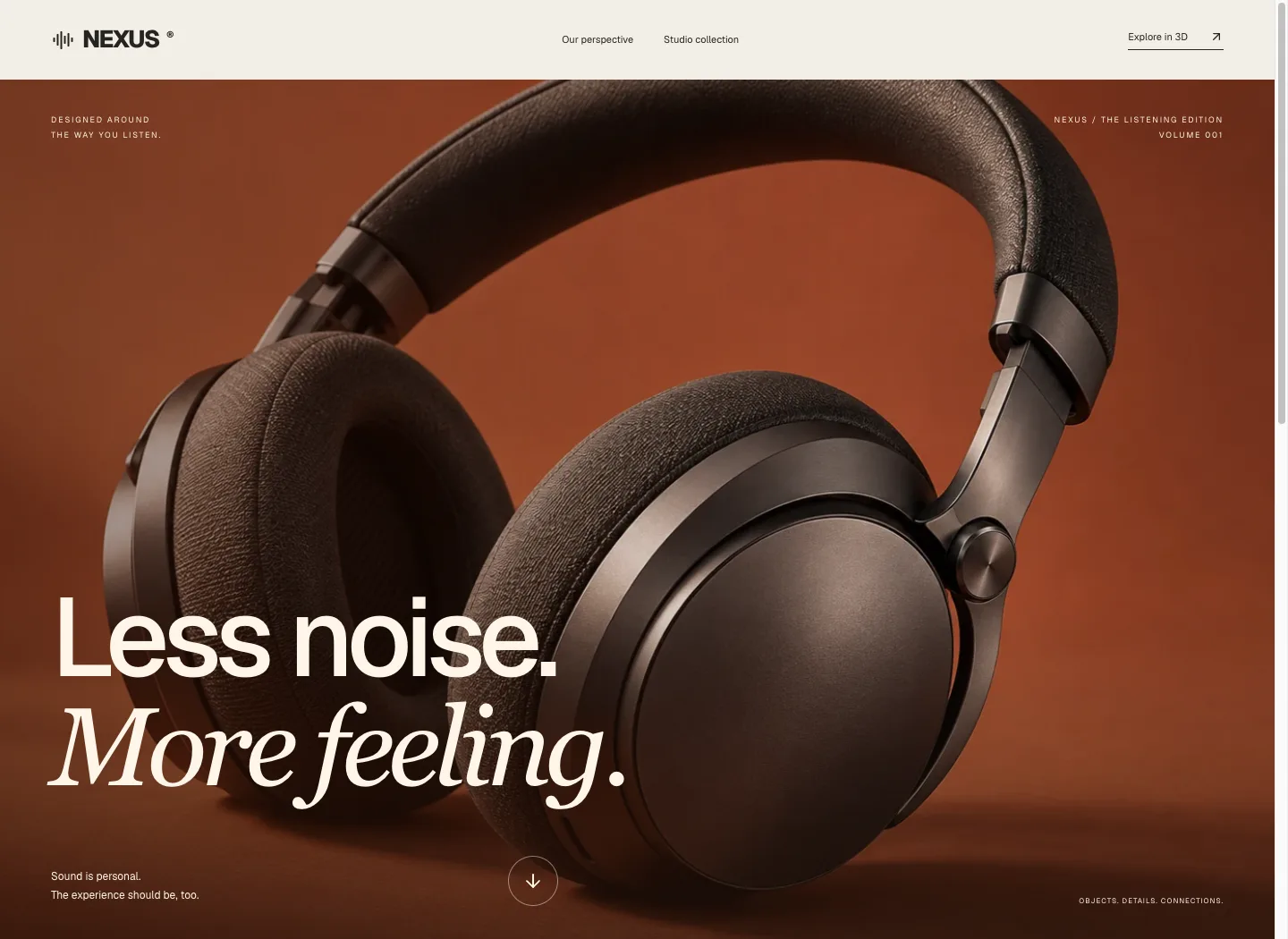
Nexus
Terracotta product photography, expansive typography and a warm editorial rhythm introduce Nexus. A separate interactive studio collection lets visitors inspect the original interface geometry.
Explore the case study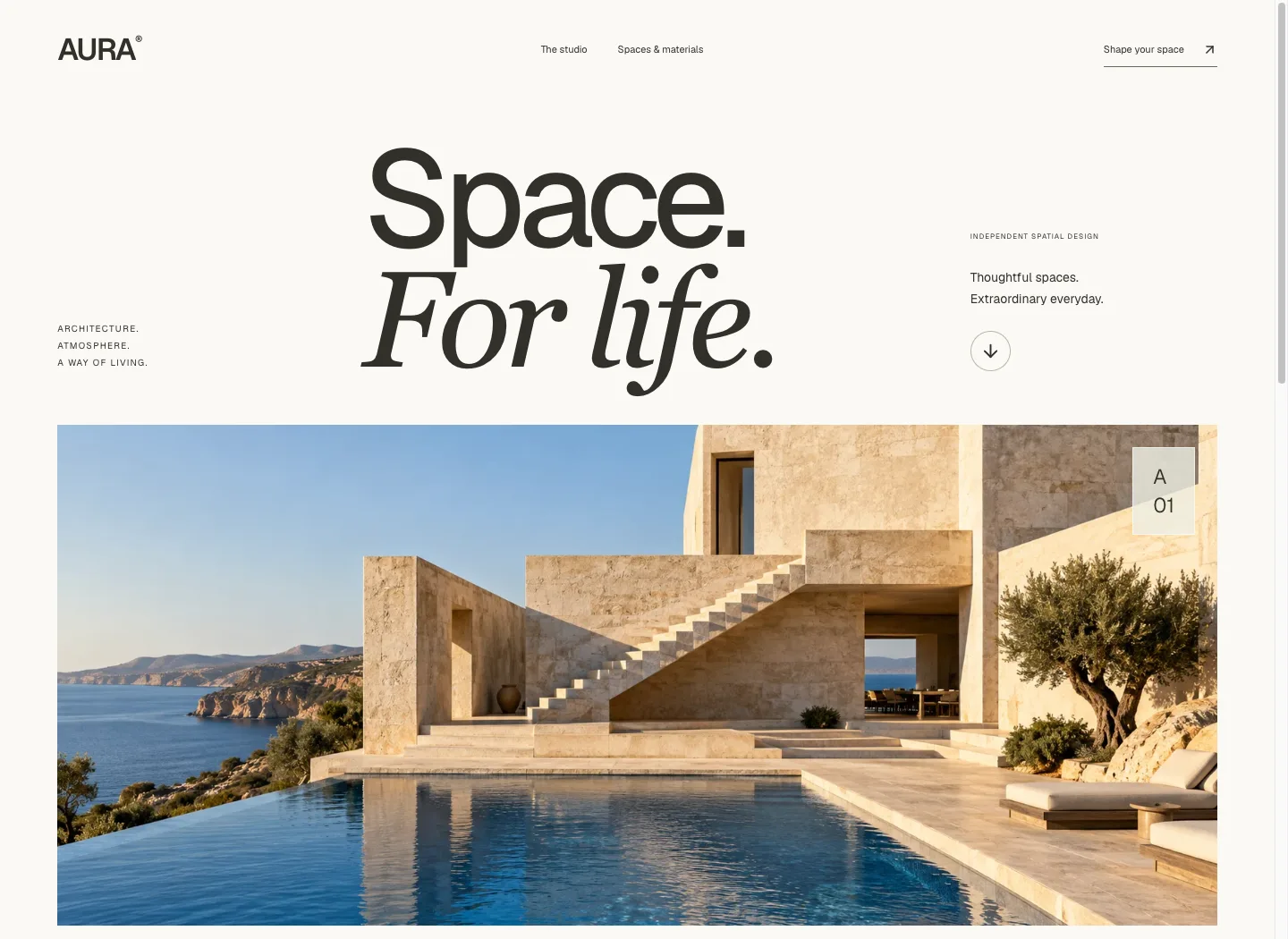
Aura
An oversized editorial masthead and cinematic coastal architecture lead into spatial thinking, interiors and material studies. The journey moves from atmosphere to a concrete room brief.
Explore the case study